
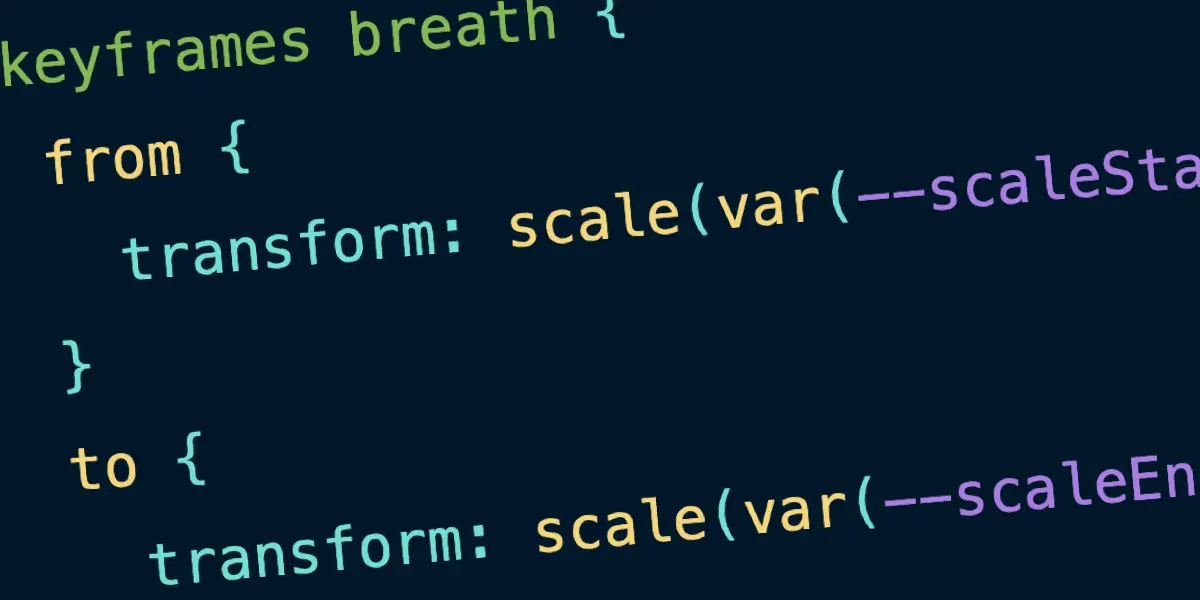
Web developers and technical publishers have long grappled with a frustrating dilemma when displaying code snippets on their websites: how to achieve clean, readable syntax highlighting without relying on heavy JavaScript libraries, complex HTML markup, nested span elements, and bloated class structures. For years, the standard approach has involved robust third-party dependencies like Prism.js or Highlight.js. While these tools are thoroughly battle-tested, highly reliable, and rich with features, they still introduce external overhead that modern web standards are increasingly equipped to handle natively. Now, a new approach is entering the ecosystem, promising to streamline code block presentation by leaning heavily into the capabilities of modern CSS.
Courtesy of developer Dave Rupert, affectionately known in the community as Uncle Dave, a new tool called MicroLighter is changing how developers approach syntax highlighting. The utility relies primarily on straight-up CSS, utilizing the powerful ::highlight() pseudo-element provided by the CSS Custom Highlight API. This particular web standard has officially reached Baseline status this year, meaning it is widely supported across modern web browsers without requiring experimental flags or complex polyfills. By leveraging this native browser feature, MicroLighter manages to accomplish every essential requirement needed for professional technical publishing—including custom themes, integrated line numbers, multiple language support, and semantic markup—all while stripping away the heavy added dependencies that developers have traditionally had to rely on.
Historically, implementing syntax highlighting on publishing platforms like WordPress required custom blocks and dedicated scripts. Years ago, Chris Coyier developed a custom WordPress block designed to plug in Prism.js seamlessly. Prism.js has served the web development community remarkably well; it is robust, supports a vast number of programming languages, remains relatively lightweight, and has been tested across millions of pages. However, the introduction of MicroLighter presents an enticing alternative for modernizing legacy implementations. The development team at CSS-Tricks has begun exploring how to integrate this lightweight tool directly into their existing WordPress block architecture to take full advantage of native browser rendering.
The shift toward tools like MicroLighter does not mean that JavaScript has been entirely eliminated from the equation. Rather, it signifies a reduction in the sheer volume of script execution required to parse and colorize code blocks. Because MicroLighter leans so heavily into modern CSS capabilities, it brings advanced native features like the light-dark() color function and custom properties directly along for the ride. This architectural choice makes rolling your own custom syntax theme entirely doable with standard CSS variables rather than overriding deep internal styles generated by a JavaScript parser.
Developers can define a complete color scheme utilizing straightforward custom properties that automatically adapt to light and dark modes. For instance, defining colors for backgrounds, foregrounds, comments, keywords, operators, strings, constants, functions, types, variables, properties, tags, selectors, and inserted or deleted lines can be achieved cleanly within a standard stylesheet using native color-switching functions. This reduces the need for duplicate style declarations and keeps the styling logic where it naturally belongs—in the CSS.
Furthermore, the design philosophy behind MicroLighter is exceptionally modular, allowing developers to snag the exact features they want on an a la carte basis. Whether a project requires specific language definitions, designated themes, built-in line numbers, or a standalone web component, the architecture supports granular inclusion. Developers can import the micro-lighter web component script and declare custom elements directly in their markup, passing attributes for language selection, control panels like copy buttons, and line numbering with minimal friction.
This approach echoes other recent innovations in the web typography space, such as clever experimental web fonts that incorporate syntax highlighting directly into the glyphs themselves, allowing developers to style code simply by applying a specialized typeface. Such developments point toward a broader industry trend of shifting processing burdens away from JavaScript and back onto the native rendering engine of the browser.
Following initial testing and exploration, the transition to MicroLighter has already been successfully deployed on production sites. Replacing Prism.js with the new CSS-driven utility yields measurable performance and payload savings. While raw page speed benchmarks depend on various hosting and caching factors, the reduction in file size is immediately apparent. Where the previous Prism setup came in at approximately 35 kilobytes raw, which compressed to 9.3 kilobytes gzipped, MicroLighter reduces the footprint to just 13.9 kilobytes raw and 5.2 kilobytes gzipped. These savings are particularly impressive when considering the WordPress-specific customizations and integration layers that had to be baked into the deployment to ensure seamless compatibility with existing content management workflows.