
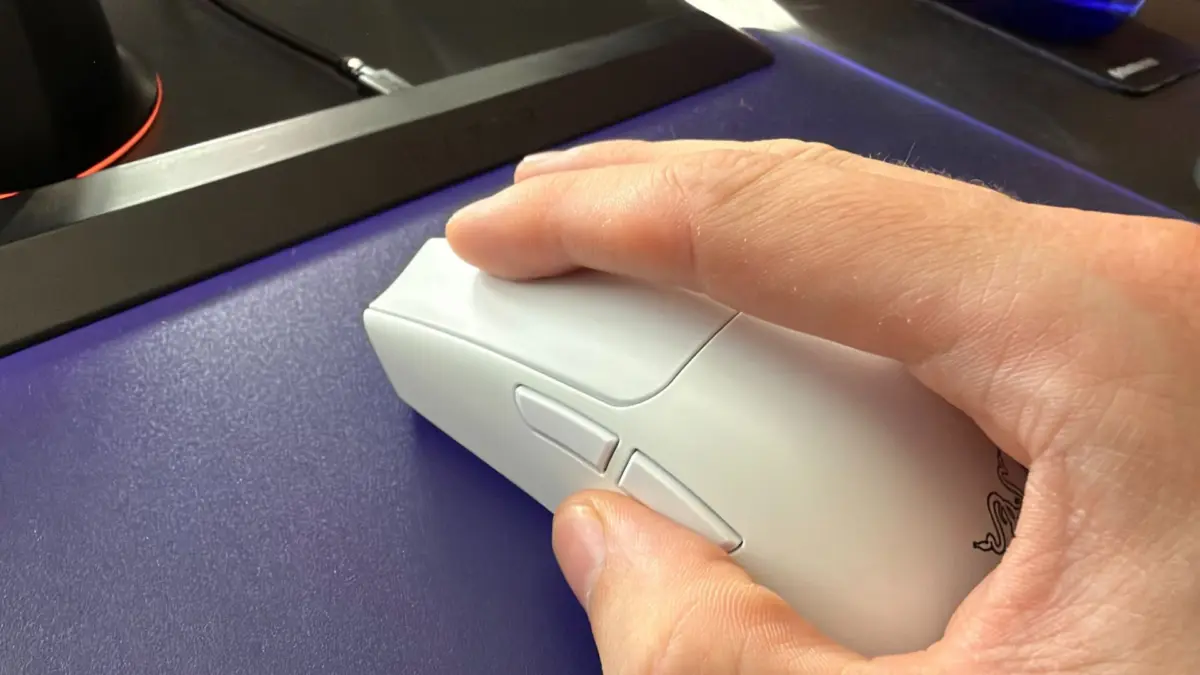
An office discussion regarding the ergonomic layout of modern gaming peripherals has ignited a lively debate among the hardware team at PC Gamer, dividing staff and readers alike over the optimal use of standard mouse side buttons.
The conversation began last week as team members gathered to discuss Razer’s newly unveiled MMO gaming mouse, which features an astonishing array of 12 side buttons. While marveling at the sheer complexity of managing such a dense grid of inputs, the conversation naturally drifted toward simpler territory: how users configure the two standard side buttons found on the vast majority of gaming mice on the market today.
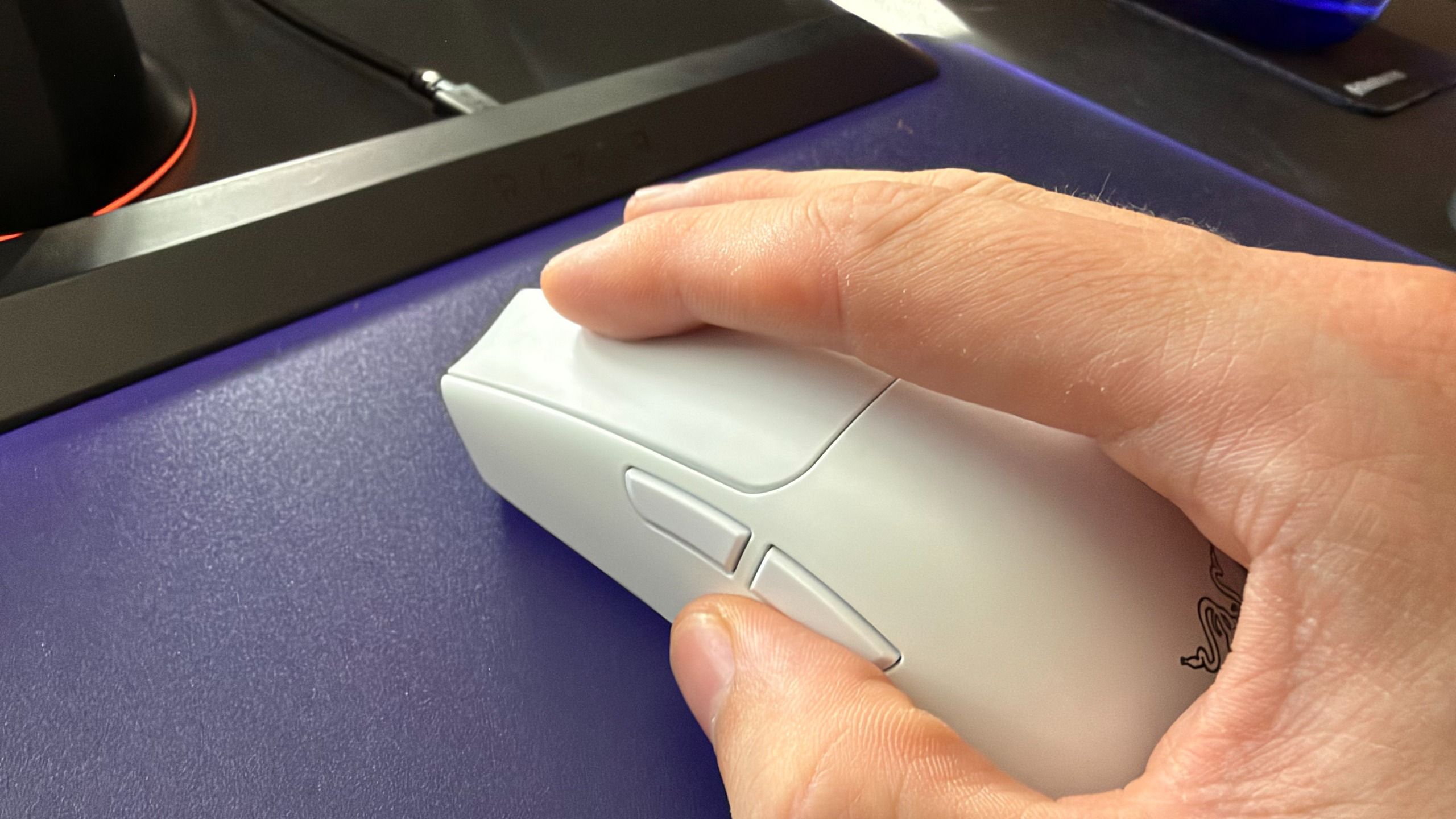
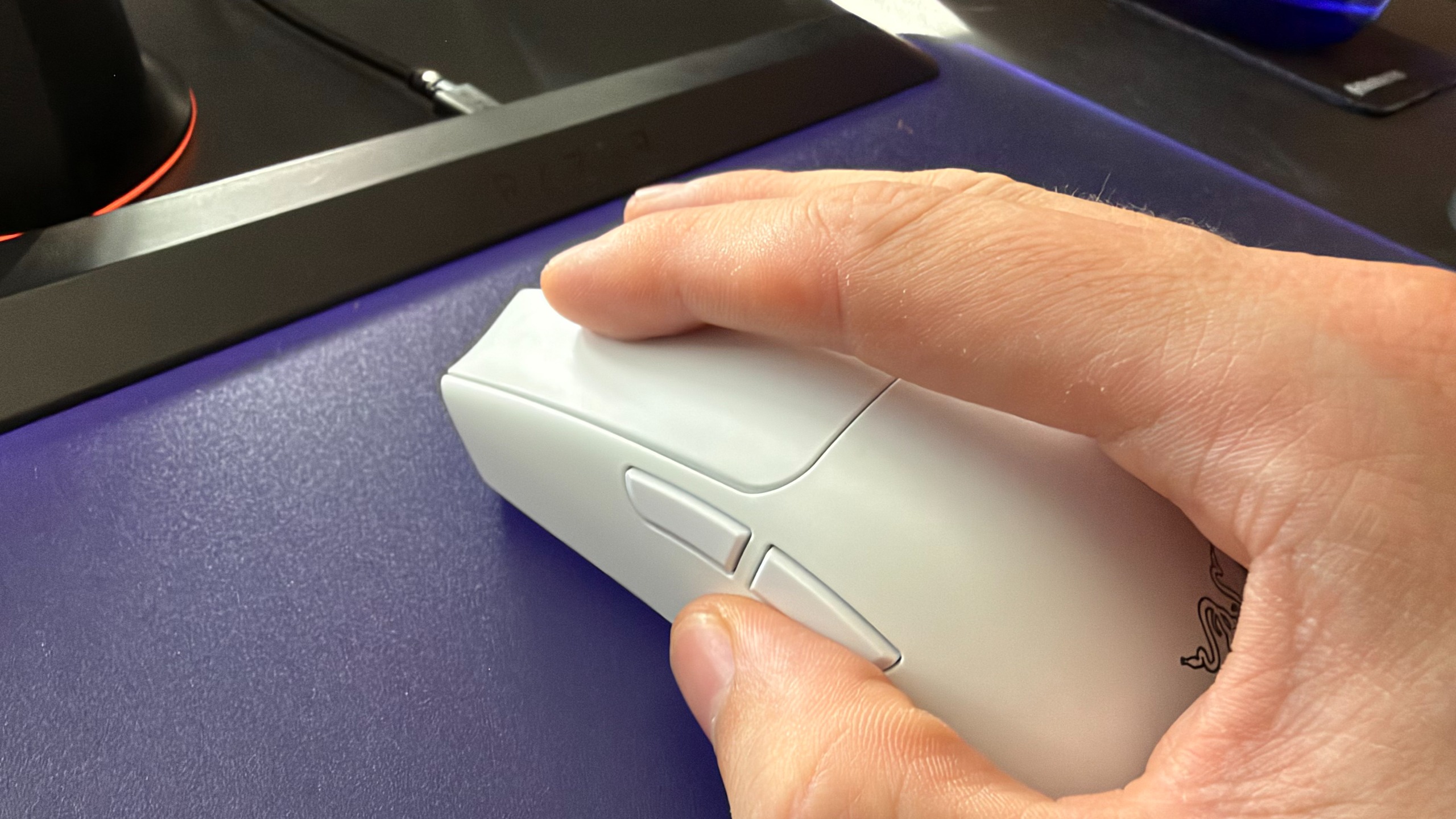
What started as a casual hardware discussion quickly revealed a deep ideological divide within the editorial team. While most of the staff defended the default out-of-the-box configuration—assigning the buttons to "Forward" and "Back" for web browsing—one dissenting hardware writer argued passionately for a more productivity-focused approach: mapping the buttons to the universal keyboard shortcuts for copy (Ctrl+C) and paste (Ctrl+V).
According to the team, relying on the default browser navigation settings shows a lack of imagination. However, the dissenting voice admitted that standing alone in this preference felt like a betrayal by colleagues of many years. Despite years of shared projects, office camaraderie, and mutual trust, the revelation that most staffers preferred web navigation over clipboard commands sparked playful accusations of poor hardware optimization.
To settle the dispute and gauge the wider sentiment of the gaming community, the hardware team put the question directly to their audience through a formal poll. The prompt asked readers whether they configured their mouse side buttons for traditional forward and back web navigation or for copy and paste functions.
The results of the poll revealed a decisive, albeit unsurprising, victory for the status quo, alongside a dedicated minority of kindred spirits. Out of the total respondents, an overwhelming 67 percent—representing 1,343 votes—confirmed they stick with the default forward and back configuration.
However, the poll also captured a dedicated faction of nearly 200 voters who aligned with the copy-and-paste philosophy. Defending this unconventional layout, proponents argue that mapping copy and paste to the thumb buttons allows users to transfer text seamlessly between documents and applications without ever needing to reach across the desk for the keyboard. Supporters of this setup describe it as an ergonomic triumph, arguing that web browsers already allow users to navigate history efficiently through other means, whereas frequent typists and researchers benefit immensely from instant thumb-activated clipboard controls.
In addition to the two primary camps, more than 400 respondents selected "something else entirely" when describing their button configurations. This significant portion of the audience likely relies on game- or genre-specific macros tailored to complex multiplayer titles or productivity software. Hardware writers noted that utilizing these thumb buttons for tactical in-game commands, such as melee attacks, voice communication, or specific abilities, remains a staple of competitive PC gaming.

The lighthearted office debate also touched upon other unorthodox peripheral habits, such as finger placement on the scroll wheel and primary buttons, further highlighting how personal and idiosyncratic PC interaction can be.
With the mouse button debate temporarily laid to rest, the PC Gamer hardware team has already turned its attention to the next weekly community poll. Moving away from ergonomic preferences, the subsequent survey asks readers to weigh in on a much more visually vibrant—and perhaps less contentious—topic: just how much RGB lighting festoons their current gaming PC builds.