
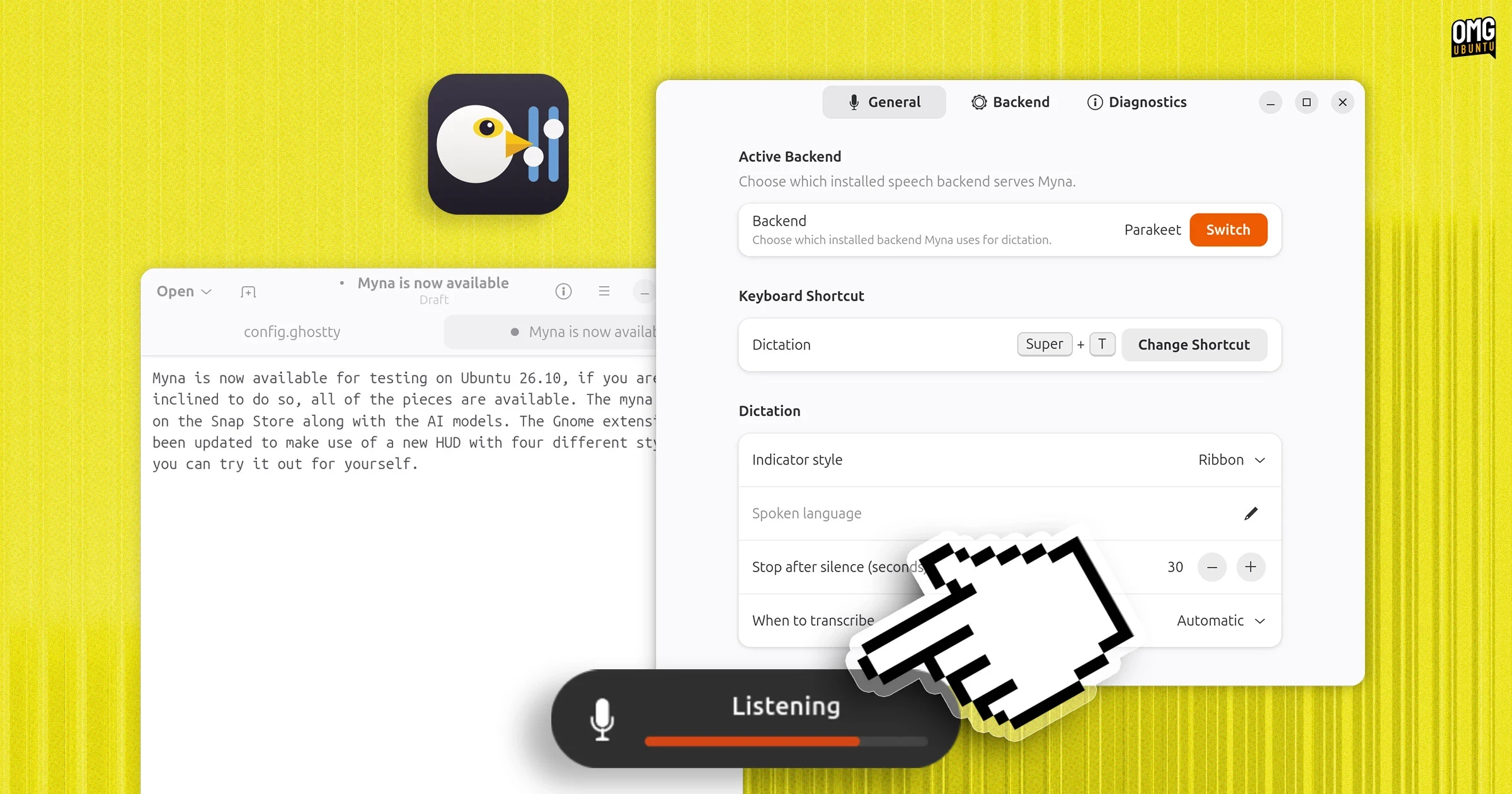
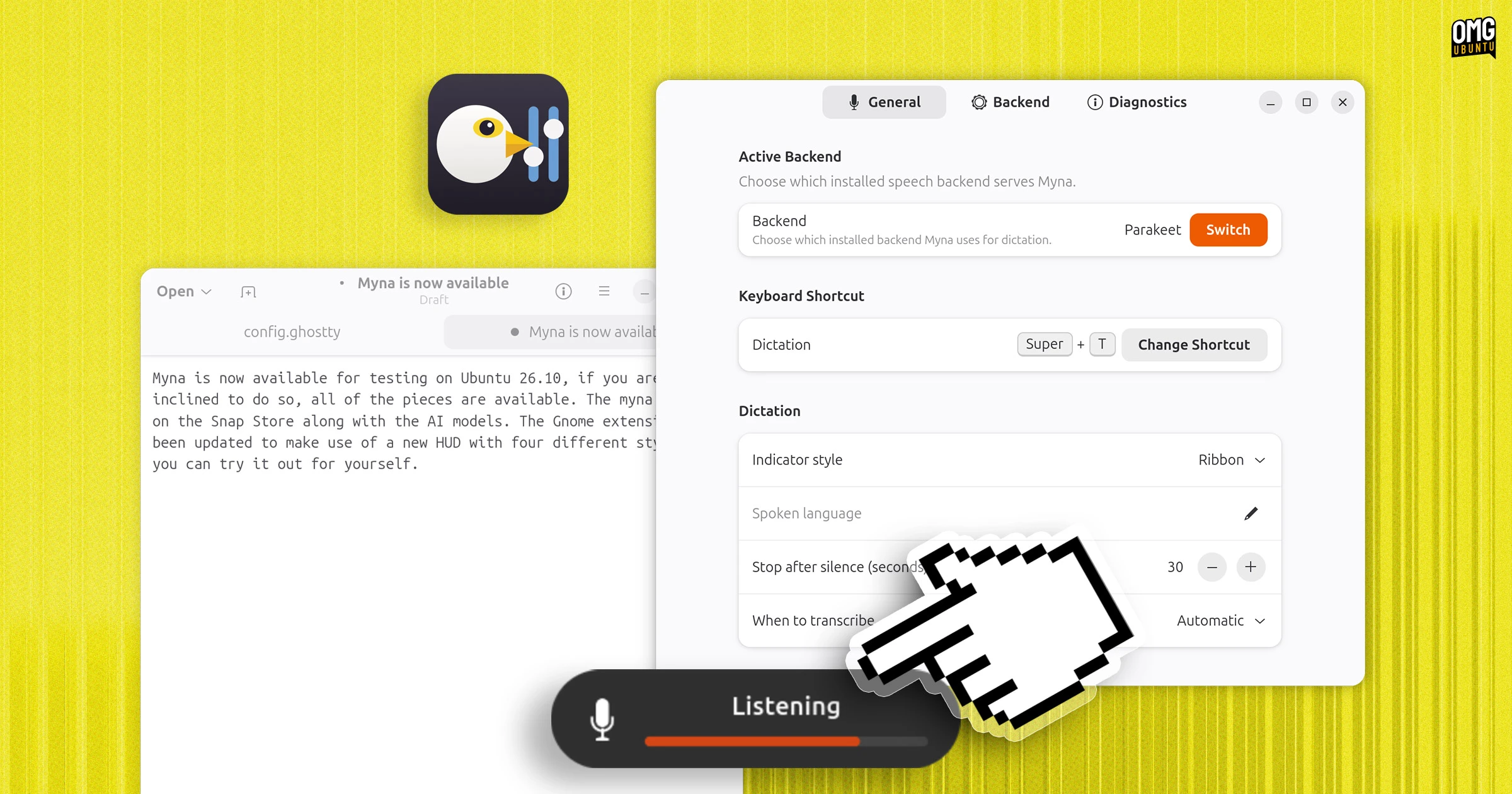
Canonical has taken a significant step toward enhancing desktop accessibility and offline artificial intelligence capabilities by making its upcoming speech-to-text dictation tool, Myna, available for early testing. While the feature is not yet officially ready for a stable public release or a formal call for testing, all the necessary components have been uploaded to the Snap Store and a dedicated Personal Package Archive, allowing curious users and developers to assemble and test the local AI stack on Ubuntu 26.10 and Ubuntu 26.04 LTS.
The project has evolved substantially since it was first previewed in August, transforming from an early concept into a cohesive set of system components, backend models, and configuration utilities. Canonical has introduced the Myna orchestrator snap alongside a selection of speech-recognition AI models to the Snap Store, while a new desktop configuration utility known as Myna Settings has been made available via a PPA maintained by a Canonical engineer involved in the development.
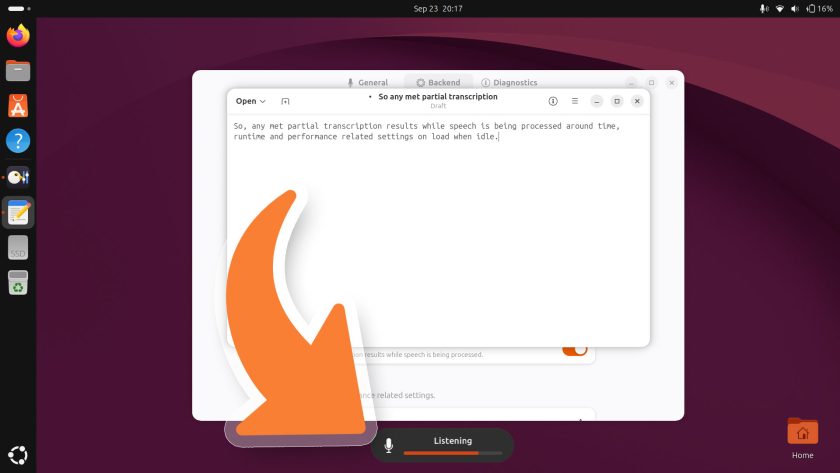
For users running Ubuntu 26.10, integration goes a step further as part of the operating system’s preinstalled packages. The gnome-shell-ubuntu-extensions package includes a specialized GNOME Shell extension designed to trigger an on-screen heads-up display whenever the local AI speech-to-text technology is actively listening, transcribing, or encountering status and error states, such as high background noise or a loss of window focus. For users on Ubuntu 26.04 LTS, desktop notifications are utilized instead of the visual HUD to convey system status.
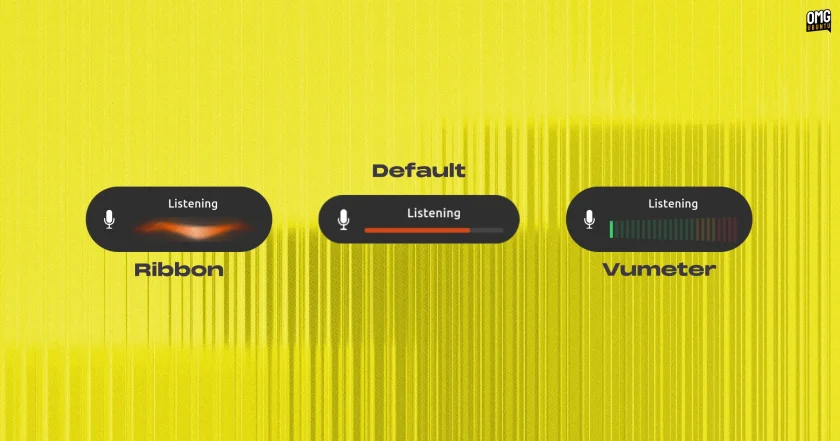
The visual feedback provided by the HUD offers multiple aesthetic styles, including a default system accent color bar, a dynamic volume-meter style, an animated ribbon style, and a streamlined bar variant. These visual indicators only appear when the user triggers Myna via a designated hotkey shortcut, ensuring that the system remains completely dormant and private until explicitly invoked.
Installing and configuring Myna requires a combination of repository updates, snap feature enablement, and manual model selection. Users can install the Myna Settings application by adding the developer’s PPA and running standard package installation commands. Additionally, administrators must enable an experimental snap user daemon feature before installing the main Myna client from the Snap Store using the edge channel. Because the automated model-fetching mechanism within the settings application currently points toward stable releases that are not yet populated, testers must manually install their preferred backend AI engine from the Snap Store.
The core intelligence behind the dictation tool relies on substantial local AI models that operate entirely offline, ensuring that recorded audio clips never leave the user’s device or get stored persistently. Depending on the chosen backend, users will need between one and two gigabytes of free disk space. The available options currently include Parakeet, an open-weight automatic speech recognition model developed by NVIDIA that supports twenty-five languages alongside punctuation, and Whisper, OpenAI’s widely recognized open-source multilingual model. Additional models, such as Funasr, are expected to join the Snap Store lineup in the near future.
Once the configuration utility, the client snap, and a speech recognition model are successfully installed, users can assign a keyboard shortcut within the Myna settings application. Focusing any standard text input field, such as the system text editor, and pressing the hotkey activates the dictation service. Speaking naturally while the HUD indicates that the system is listening results in transcribed text appearing directly within the focused application once the hotkey is pressed a second time to stop the transcription process.
Early evaluations of the two primary models reveal distinct performance characteristics. Parakeet has demonstrated remarkable accuracy in transcribing complex vocabulary and proper nouns, while Whisper offers exceptionally fast processing speeds. The configuration utility also provides flexibility for users to switch between different model variants to balance speed and resource utilization according to their hardware specifications.
The introduction of Myna marks a major milestone for Ubuntu accessibility, offering a robust, offline, AI-powered dictation alternative that surpasses previous solutions available on the platform. However, the broader adoption of desktop dictation for everyday workflows remains an open question. While mobile platforms have supported offline speech recognition for years, many users still rely heavily on traditional physical typing for routine communications such as messaging, emailing, and drafting prompts.
Dictation tools generally find their highest utility in longer-form text entry rather than short commands or interface navigation. Furthermore, local dictation systems can occasionally lose focus if an unexpected window opens or a mouse click shifts attention away from the target text field, interrupting the transcription process. Despite these practical hurdles in daily desktop workflows, Myna operates strictly on-demand, requiring a deliberate physical trigger to listen, and cannot currently be activated using wake words like continuous assistant platforms.
By developing Myna as a desktop-agnostic technology—even as its initial rollout centers around a GNOME, Wayland, and Mutter stack—Canonical is demonstrating its willingness to experiment with advanced local AI integration. As testing continues and additional models are integrated into the Snap ecosystem, Myna provides a clear look at how offline speech recognition may shape future text entry and accessibility standards across the Ubuntu desktop environment.